
Teach Me: Research to Presentation: Teaching Students to Build Powerful AI-Enhanced Presentations
Beginner 📅 Apr 20, 2026
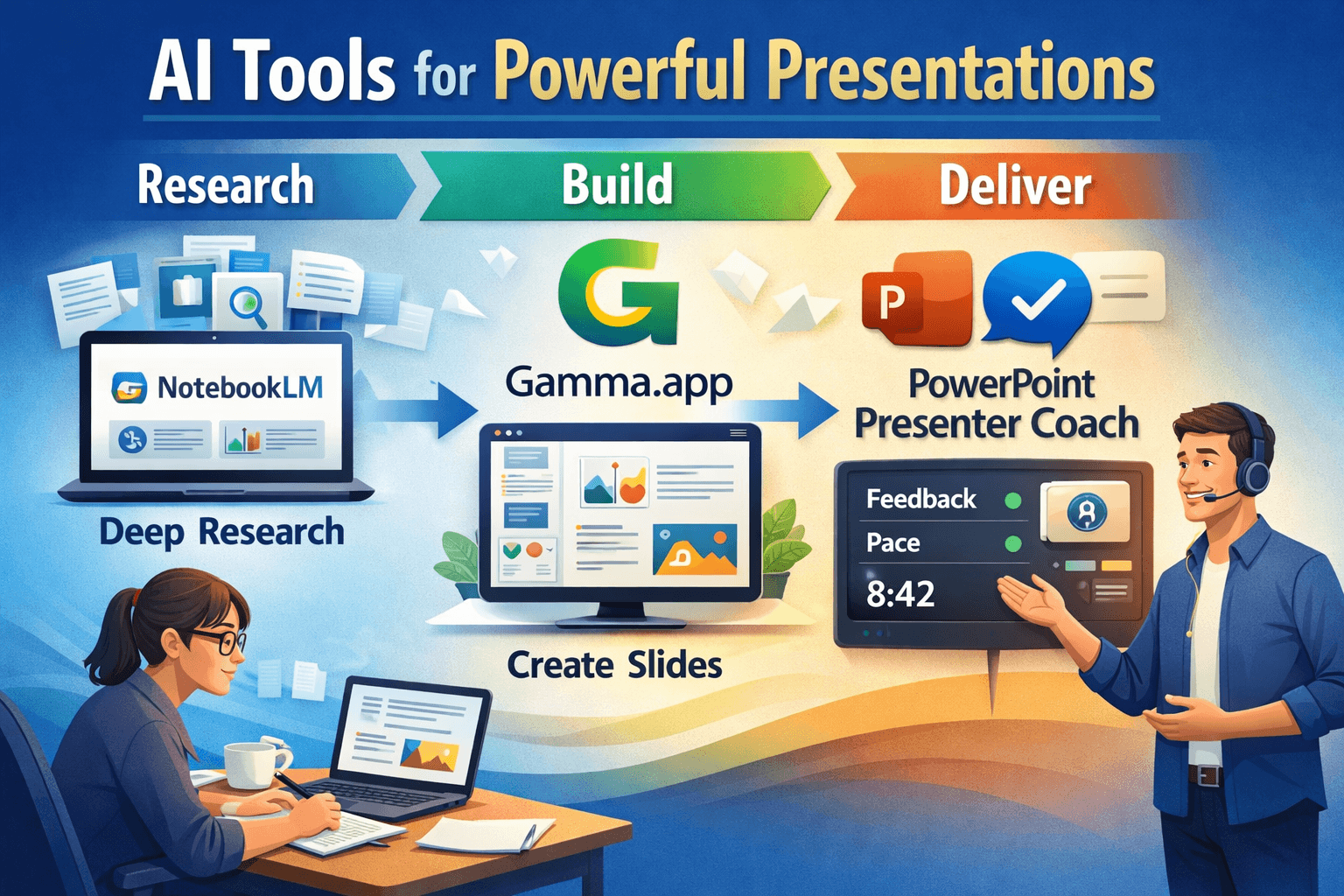
One of the biggest challenges in teaching presentations is helping students move beyond surface-level research and into clear, confident delivery. Today’s AI tools make that process faster, deeper, and more engaging than ever before.
This lesson walks students through a complete workflow: conducting deep research, transforming content into professional presentations, and improving delivery using real-time coaching tools. The result? Better content, stronger visuals, and more confident speakers.
This approach works especially well in any course requiring live or recorded presentations—Public Speaking, Business, Marketing, or even general education classes.
Step 1: Deep Research with NotebookLM
Start by showing students how to move beyond basic Google searches and into structured, AI-supported research using NotebookLM.
- Upload Sources – PDFs, articles, and assignment instructions
- Use Deep Research – Generate insights across multiple documents
- Create Outputs – Reports, summaries, infographics, and slides
- Generate Audio/Video – Turn research into explainable content
- Use Presenter View – Practice structured delivery
Many students start with scattered notes. NotebookLM helps them organize thinking into structured, usable content.
Now elevate it using AI-supported research:
This works because it forces the AI to organize information into presentation-ready structure rather than generic summaries.
Step 2: Transform Research into Slides with Gamma.app
Once students have strong research, the next step is turning it into a visually compelling presentation.
Using Gamma.app, students can import their NotebookLM outputs (PDFs or text) and instantly generate a polished slide deck.
Copy-and-Paste Prompts or Examples
Step 3: Practice Delivery with PowerPoint Presenter Coach
- Run Presenter Coach – Get feedback on pacing, tone, and filler words
- Improve Delivery – Reduce “um,” “you guys,” and improve clarity
- Track Timing – Stay within assignment limits
Step 4: Record and Review Presentations
Students can record their presentations directly in PowerPoint, allowing them to:
Review their own performance, submit recorded assignments, and improve delivery through self-reflection.
Common Mistakes to Avoid
Students often rely too heavily on AI without refining the output. Encourage them to edit, personalize, and practice their content.
Another common issue is overcrowded slides—remind students that slides support the speaker, not replace them.
Try This Now
Have your students run through the full workflow in one assignment:
This single workflow transforms how students research, design, and deliver presentations.